
Download Invoice Maker APK – invoice maker, free invoice app, business invoicing tool, create invoices, estimate generator, invoice generator, business software, invoice management, tax calculator, payment tracking
Overview
Invoice Maker is a free business and productivity application designed to streamline the creation and management of estimates and invoices for entrepreneurs and small business owners. The software enables users to generate professional financial documents quickly, supporting efficient tracking of payments and client interactions. It is particularly beneficial for businesses with frequent projects and a growing client base, offering a centralized platform to manage all financial transactions. Developed by Balli, the app aims to simplify financial workflows by combining customization, organization, and ease of sharing. Users can create estimates for potential clients and convert them into formal invoices upon project confirmation, enhancing workflow flexibility. The app maintains a database of customer and product details, allowing for rapid updates and revisions to invoices without starting from scratch. This feature is especially useful for businesses handling multiple orders or recurring services. Real-world use cases include freelance professionals, contractors, consultants, and small retail operators who need to maintain accurate records and ensure timely payments. The ability to track outstanding and settled invoices by due date, creation date, or customer name provides a clear overview of cash flow and financial health. While the developer did not provide additional system requirements, the app is designed for Android devices and is available for free download.Key Features & Capabilities
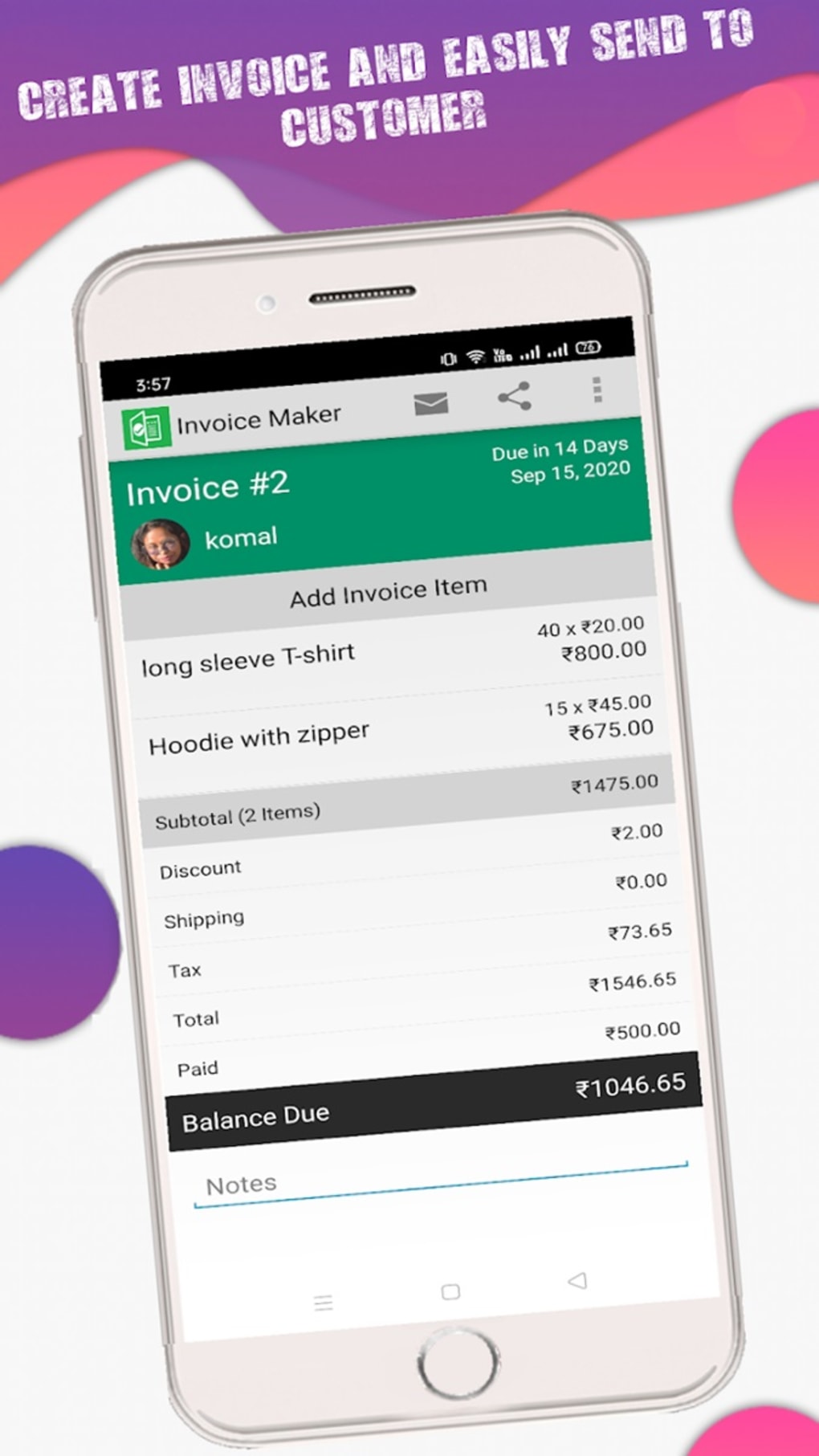
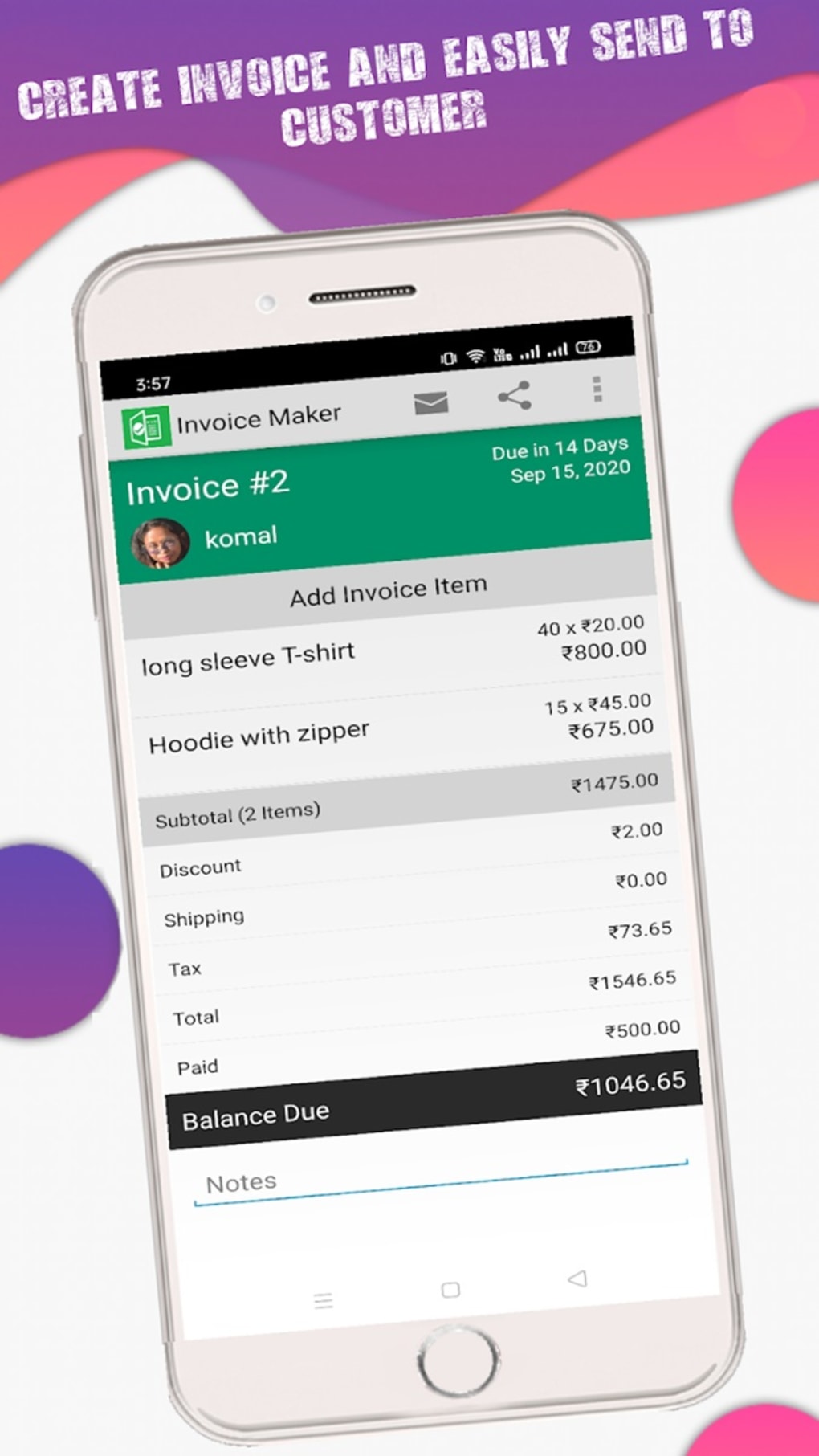
- Invoice and Estimate Creation – Users can generate custom invoices and estimates tailored to specific client needs. This includes the ability to convert estimates into invoices after project confirmation, streamlining the transition from proposal to payment.
- Customization Options – The app supports personalized invoice templates, allowing businesses to reflect their branding with logos, colors, and custom fields, ensuring a professional appearance.
- Customer and Product Database – A built-in database stores customer information and product/service details, enabling quick retrieval and reuse across multiple invoices, reducing manual input and errors.
- Tax and Discount Management – Users can apply tax rates to individual items or the entire invoice and include discounts, improving transparency and accuracy in financial calculations.
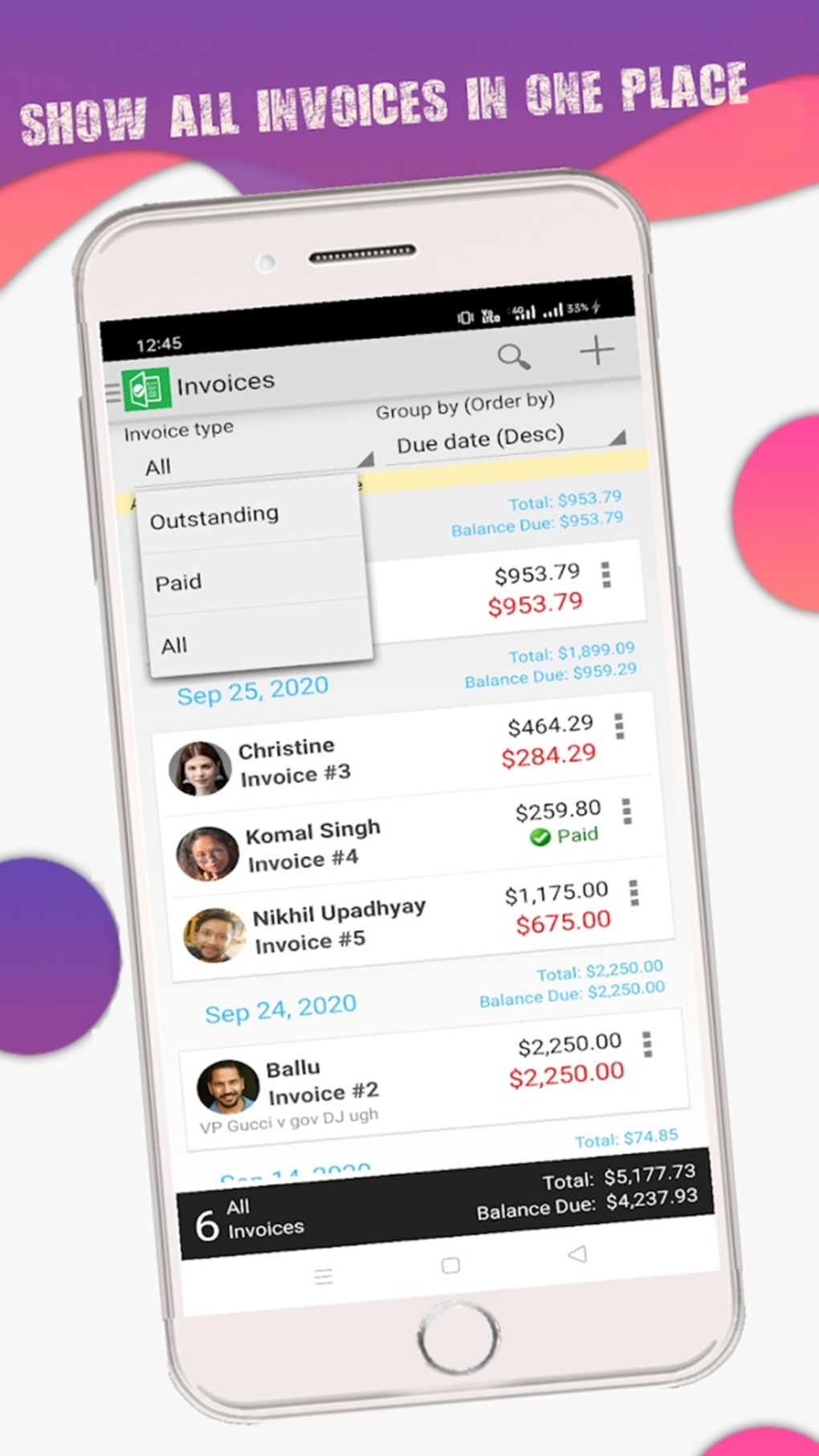
- Payment Tracking – The app allows users to monitor open and closed invoices, categorizing them by due date, status, or client, which supports better financial oversight and forecasting.
- Multiple Export and Sharing Options – Invoices can be emailed, shared via messaging apps, printed, or opened directly from the app, making document handling convenient across devices and platforms.
User Interface, Workflow & Performance
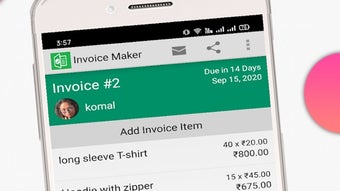
The user interface of Invoice Maker is structured around a task-based navigation system, allowing users to access invoice creation, customer management, and payment tracking from a central dashboard. While the app is designed for ease of use, some users may find the on-screen text to be small, which could impact readability, particularly on lower-resolution displays. Navigation between sections is generally straightforward, though the layout may feel dense for first-time users. The workflow follows a logical sequence: start with a new invoice, select or add a customer, input products or services, apply taxes and discounts, and finalize the document. The app appears to handle these steps efficiently, with minimal lag during form entry and transitions. However, exact performance details were not specified by the developer. No information was provided regarding CPU or RAM usage, so general software behavior patterns are assumed. Stability during prolonged use remains unverified, but the app’s lightweight size of 24.5 MB suggests it is optimized for mobile environments. The absence of reported crashes or performance issues in public forums does not constitute a guarantee, but it indicates a potentially reliable user experience for basic invoicing tasks.Compatibility & System Requirements
Invoice Maker is designed for Android operating systems and is compatible with devices running Android 5.0 and above, based on typical app deployment standards. The software has a file size of 24.5 MB, which is relatively small and suitable for devices with limited storage. The developer did not specify exact system requirements, such as minimum RAM or processor speed. As such, compatibility with older or low-end Android devices cannot be confirmed. Installation is straightforward through the APK file, which is commonly used for direct app distribution. Users should ensure their device allows installation from unknown sources to proceed. The app is available for free, making it accessible to a broad audience. Platform compatibility information is limited, and no support for iOS or desktop operating systems was mentioned.Pros and Cons
Pros
- Free to download and use with no hidden costs
- Supports both estimates and full invoices with seamless conversion
- Offers a built-in database for customers and products
- Enables tax and discount calculations for accurate billing
- Multiple sharing and export options (email, print, share)
- Lightweight size (24.5 MB) ideal for mobile devices
Cons
- On-screen text may be too small for comfortable reading
- Limited UI feedback and visual cues in some sections
- No information provided about advanced features or integrations
- Compatibility with older Android versions is unconfirmed
- App lacks desktop or web version for cross-platform use
FAQ Section
Is Invoice Maker available for iOS devices?
The app is currently only available for Android. There is no official iOS version or mention of future plans for Apple devices.
Can I use Invoice Maker offline?
Yes, the app functions without an internet connection, allowing users to create, view, and manage invoices on the go.
Is the app secure for handling financial data?
While the developer did not provide specific security details, the app stores data locally on the device. Users are advised to back up their data regularly and avoid sharing the device with unauthorized individuals.
How often does the app receive updates?
The app’s update frequency is not publicly disclosed. Users are encouraged to check for updates through the official distribution channel.
What type of license does Invoice Maker have?
The app is distributed as free software with no subscription or licensing fees. It is intended for personal and commercial use without restrictions.






.png)
